The Browser Boundary Model: What Architects Miss About APIs, CORS, Cookies, JSON, and File Workflows
Modern web apps do not fail only because of bad code. They often fail because teams misunderstand the browser boundary: where trust starts, where it ends, and what actually happens when APIs, cookies, JSON, redirects, and files move across origins.
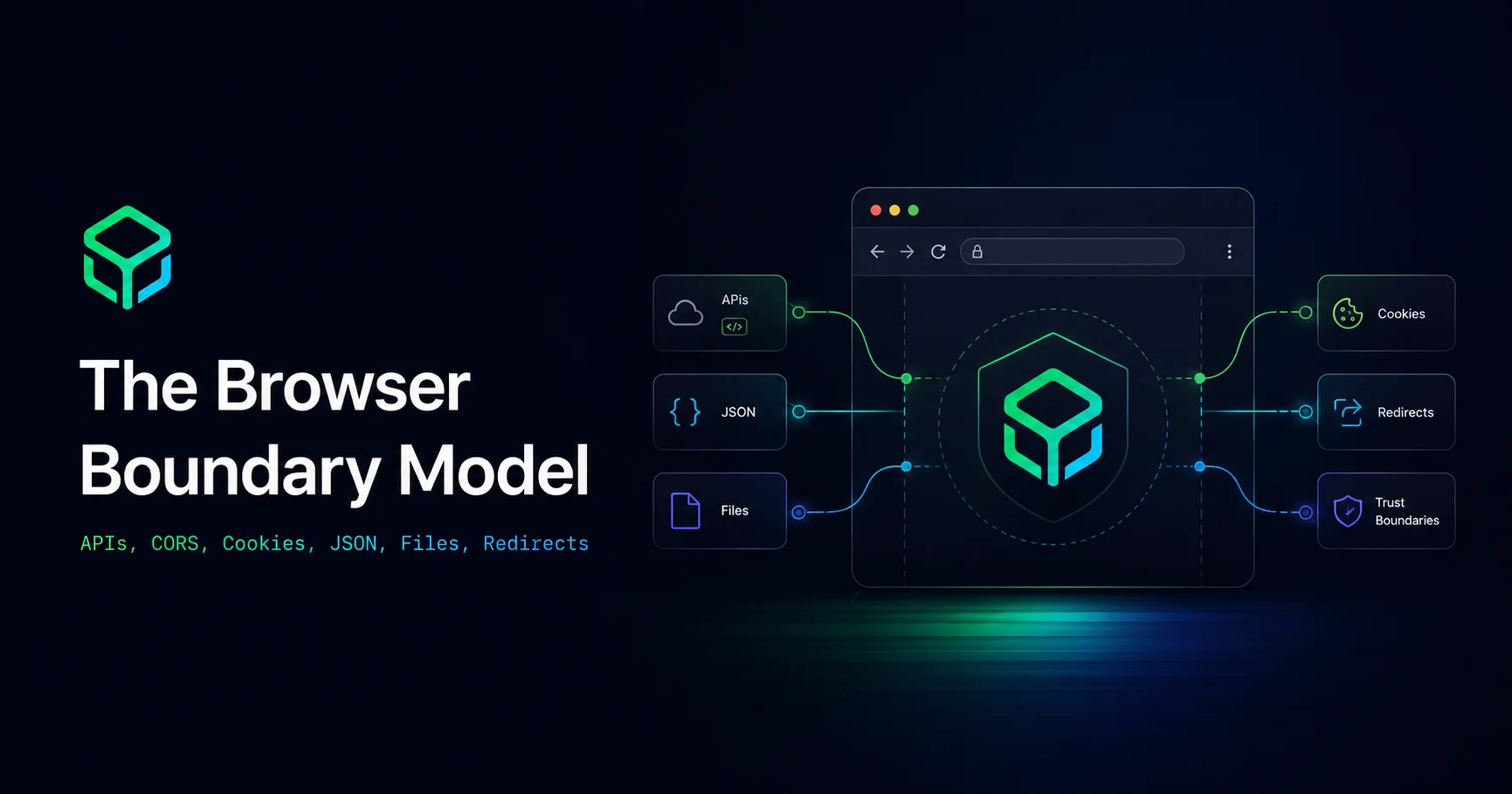
The browser is not just a client. It is a security boundary.
Most web architecture diagrams show the browser as a simple box on the left: user interface, API calls, cookies, storage, files, and responses. That diagram is convenient, but it hides one of the most important parts of modern web engineering.
The browser is not only a rendering engine. It is also a policy engine. It decides which requests are allowed, which responses can be read, which cookies can be sent, which files can be accessed, which origins are trusted, and which data should remain isolated.
This matters because many production bugs are not caused by missing code. They are caused by missing boundaries. A team may secure the backend, configure CORS, add authentication, and still accidentally create unsafe workflows because they do not understand what crosses the browser boundary.
This guide explains a practical model that developers, product teams, and solution architects can use when designing APIs, file tools, dashboards, admin panels, SEO workflows, and browser-based utilities.
What is the browser boundary model?
The browser boundary model is a way to think about every browser workflow as movement between trust zones.
Instead of asking only, “Does this feature work?”, ask:
- Where did this data come from?
- Which origin created it?
- Which origin can read it?
- Can cookies or credentials travel with the request?
- Can another tab, script, iframe, extension, redirect, or upload flow influence it?
- Does the server verify the action, or does it only trust the browser?
The mistake many teams make is assuming the browser is one trusted space. It is not. A browser session can contain trusted app pages, third-party scripts, embedded frames, cached files, copied JSON, pasted tokens, downloaded reports, user-selected files, extension contexts, service workers, and cross-origin API calls.
Each one has a different level of trust.
The common architecture mistake: treating CORS as API security
CORS is often misunderstood. Many developers treat it as an API security layer. It is not enough for that.
CORS controls whether a browser is allowed to read a cross-origin response. It does not replace authentication, authorization, rate limits, object-level access checks, or server-side validation.
For example, imagine this API:
GET /api/invoices/98123If the frontend hides this invoice link from the wrong user, that is not security. If the API checks only that the user is logged in, but not whether the user owns invoice 98123, that is still not security.
The real boundary must be enforced on the server:
Can this authenticated user access this specific invoice object?This is why object-level authorization matters so much in API design. A secure browser workflow cannot depend only on UI visibility, route guards, hidden buttons, or frontend state.
The hidden danger of “it works in the browser” testing
Browser testing often proves that a happy path works. It does not prove that the boundary is safe.
A frontend may call:
POST /api/project/123/exportThe UI may show the export button only to project owners. But an attacker does not need the UI. They can call the API directly, modify the project ID, replay a request, change JSON fields, or trigger requests from another context.
This is the key lesson: the browser can guide users, but the server must protect resources.
Cookies cross boundaries differently than JSON
JSON feels explicit because developers can see it in a request body. Cookies are more subtle because the browser may attach them automatically depending on domain, path, SameSite policy, Secure flag, and credential settings.
This creates a major architectural difference:
- JSON is usually sent intentionally by application code.
- Cookies may be sent automatically by the browser.
That difference matters for authentication. A request with JSON data does not become safe just because the frontend generated it. A request with cookies does not become unsafe by default, but it must be protected against unintended cross-site behavior.
For sensitive actions, do not rely on cookie presence alone. Use server-side authorization, CSRF protection where appropriate, careful SameSite settings, origin checks for state-changing requests, and clear separation between public and authenticated endpoints.
Preflight does not mean permission was granted forever
In CORS workflows, browsers may send a preflight request before the actual request. This is a browser-level check to ask the server whether the cross-origin request is acceptable.
But preflight is not a business permission system.
A successful preflight means the browser is allowed to proceed with that kind of request. It does not mean the user is allowed to delete a record, export a report, update billing, or download another user’s file.
Architecturally, this means every state-changing endpoint still needs real authorization:
OPTIONS /api/report/export POST /api/report/exportThe first request is browser policy negotiation. The second request is your actual business action. Do not confuse them.
File workflows are boundary-heavy by default
File workflows are easy to underestimate. A file can move through many trust zones in seconds:
- A user selects a file from their device.
- The browser reads metadata or content.
- The app previews it locally.
- The file may be uploaded to a server.
- The server may parse, compress, convert, or store it.
- The result may be downloaded, shared, indexed, or cached.
Each step changes the risk.
A PDF is not just a document. It may contain metadata, embedded fonts, scripts, forms, annotations, hidden layers, or personal information. An image may contain EXIF metadata. A CSV may contain formula injection risks. A JSON file may contain tokens, API keys, customer records, or internal configuration.
This is why “upload file” should never be treated as a simple input field in architecture planning.
A practical file boundary checklist
- Can the task run locally in the browser without upload?
- If upload is required, what is the retention policy?
- Is the file scanned or validated before processing?
- Are dangerous file types blocked?
- Are output files public, private, temporary, or user-scoped?
- Can generated files be accessed by guessing a URL?
- Is metadata removed when privacy matters?
- Are files excluded from search indexing when needed?
The safest file workflow is not always “never upload.” The safest workflow is knowing exactly when the file crosses from local processing into server processing.
Redirects can move trust without moving data
Redirects look harmless because they often contain no visible payload. But redirects can move users, tokens, query parameters, referrers, and intent across boundaries.
Common redirect risks include:
- Open redirects used in phishing.
- Tokens or codes exposed in URLs.
- Referrer leakage to third-party pages.
- Login flows that return users to unsafe destinations.
- SEO duplication when many URLs represent the same content.
For user-facing apps, redirect design should be part of architecture, not an afterthought. Validate return URLs. Avoid putting secrets in URLs. Prefer short-lived codes over long-lived tokens. Use canonical URLs for duplicate or similar public pages. Keep authentication redirects strict.
JSON is not automatically safe because it is structured
JSON feels clean, readable, and predictable. That can create false confidence.
JSON can still carry unsafe or sensitive content:
- Access tokens
- Internal IDs
- User records
- Feature flags
- Debug fields
- Hidden permissions
- Unexpected nested objects
- Large payloads that hurt performance
When teams paste JSON into tools, logs, tickets, AI chats, or shared documents, they may unintentionally move private data outside its original boundary.
Before sharing JSON externally, remove credentials, reduce unnecessary fields, anonymize user data, and check whether object IDs reveal internal structure. A clean JSON formatter is useful, but a privacy-aware JSON review habit is more important.
SEO workflows also have boundaries
SEO is often treated as a marketing concern, but technical SEO involves boundaries too.
Search engines see public URLs, canonical tags, redirects, status codes, structured data, robots rules, sitemap entries, and internal links. If a private or duplicate URL becomes publicly discoverable, the issue may not look like a security bug at first. It may look like an indexing bug.
Examples:
- A staging page accidentally appears in a sitemap.
- A filtered tool page creates thousands of thin duplicate URLs.
- A private file preview URL is indexable.
- Query parameters create duplicate content.
- Canonical tags point to the wrong page.
The boundary question is simple:
Should this URL be discoverable, indexable, shareable, and permanent?If the answer is no, fix the architecture before fixing the meta tags.
Fetch Metadata: a useful extra signal
Modern browsers can send Fetch Metadata headers such as Sec-Fetch-Site, Sec-Fetch-Mode, and Sec-Fetch-Dest. These headers help servers understand the context of a request.
For example, a server can treat same-origin navigation differently from cross-site resource requests. This can help reduce exposure to certain cross-origin attacks when used as part of a broader defense strategy.
But the important phrase is “part of a broader strategy.” Fetch Metadata does not replace authentication, authorization, CSRF controls, input validation, or secure session design. It gives the server more context for boundary decisions.
A simple model architects can use
When reviewing any browser-based workflow, map it using five questions:
1. Origin
Which origin created the request, script, iframe, file, or page?
2. Credentials
Can cookies, tokens, session data, or authorization headers travel with the request?
3. Read access
Who can read the response: the browser page, another origin, a downloaded file, a public URL, or only the server?
4. Object access
Does the server verify access to the specific object, not just the logged-in user?
5. Persistence
Does the data remain in local storage, browser cache, server storage, logs, analytics, search indexes, or shared files?
If a team cannot answer these five questions, the workflow is not fully designed yet.
Practical examples
Example 1: API tester inside a dashboard
A team builds an internal API tester. Developers can paste endpoints, headers, and JSON bodies.
Boundary risks:
- API keys may be stored in browser local storage.
- Request history may expose secrets.
- Shared workspaces may reveal private headers.
- Responses may contain customer data.
Better design:
- Mask sensitive headers.
- Do not save secrets by default.
- Make request history opt-in.
- Separate personal and team workspaces.
- Warn before exporting request collections.
Example 2: PDF compression tool
A user uploads a PDF to compress it.
Boundary risks:
- The PDF may contain private contracts or invoices.
- The server may store temporary files too long.
- The output URL may be guessable.
- Metadata may remain in the compressed file.
Better design:
- Prefer local processing when possible.
- Use temporary storage with automatic deletion.
- Make output URLs private and unguessable.
- Explain what happens to uploaded files.
Example 3: JSON formatter for support teams
A support team pastes customer API responses into a JSON formatter.
Boundary risks:
- Customer data may be copied into third-party tools.
- Tokens may remain in browser history or clipboard managers.
- Debug payloads may be shared in tickets.
Better design:
- Use local-first tools where possible.
- Redact emails, tokens, IDs, and addresses before sharing.
- Train teams to inspect payloads before pasting them anywhere.
Where ToolsFam fits
ToolsFam is built around practical browser workflows for developers, creators, marketers, students, and everyday users. You can explore browser-based tools for JSON, APIs, PDFs, images, SEO, security, text, converters, and productivity at ToolsFam tools.
The broader lesson is not “use one tool for everything.” The lesson is to understand the boundary of every workflow. When a task can be handled safely in the browser, keep it simple. When data must leave the browser, know why, where it goes, how long it stays, and who can access it.
You can also visit ToolsFam or try the ToolsFam Chrome extension for quick access to useful browser tools.
FAQ
Is CORS a security feature?
CORS is a browser mechanism that controls whether frontend code can read cross-origin responses. It is useful, but it should not be treated as a complete API security layer. APIs still need authentication, authorization, validation, and object-level access checks.
Why is object-level authorization important?
Because many APIs expose objects through IDs in URLs, query strings, headers, or request bodies. The server must verify that the authenticated user is allowed to access that exact object.
Are browser-based tools safe for private files?
It depends on how the tool works. Some tasks can run locally in the browser. Others require upload and server-side processing. Users should understand whether their file leaves the device, how it is processed, and whether it is stored.
Why are redirects risky?
Redirects can move users and URL data across trust boundaries. Poor redirect handling can expose tokens, leak referrers, create phishing paths, or cause SEO duplication.
What should developers check before sharing JSON?
Remove access tokens, API keys, customer data, internal IDs, debug fields, and unnecessary nested data. Structured data can still be sensitive.
Final takeaway
The best developers and architects do not only design features. They design boundaries.
Every browser workflow has movement: from page to API, from file to preview, from JSON to tool, from cookie to request, from redirect to destination, from private data to public URL. Once you can see those movements clearly, you can build systems that are safer, cleaner, easier to debug, and easier to trust.