Local-First Browser Tools: A Safer Way to Work With JSON, PDFs, Images, and SEO Data
Learn why local-first browser tools matter, what data you should protect, and how ToolsFam helps you handle JSON, PDFs, images, SEO metadata, and daily web workflows more safely.
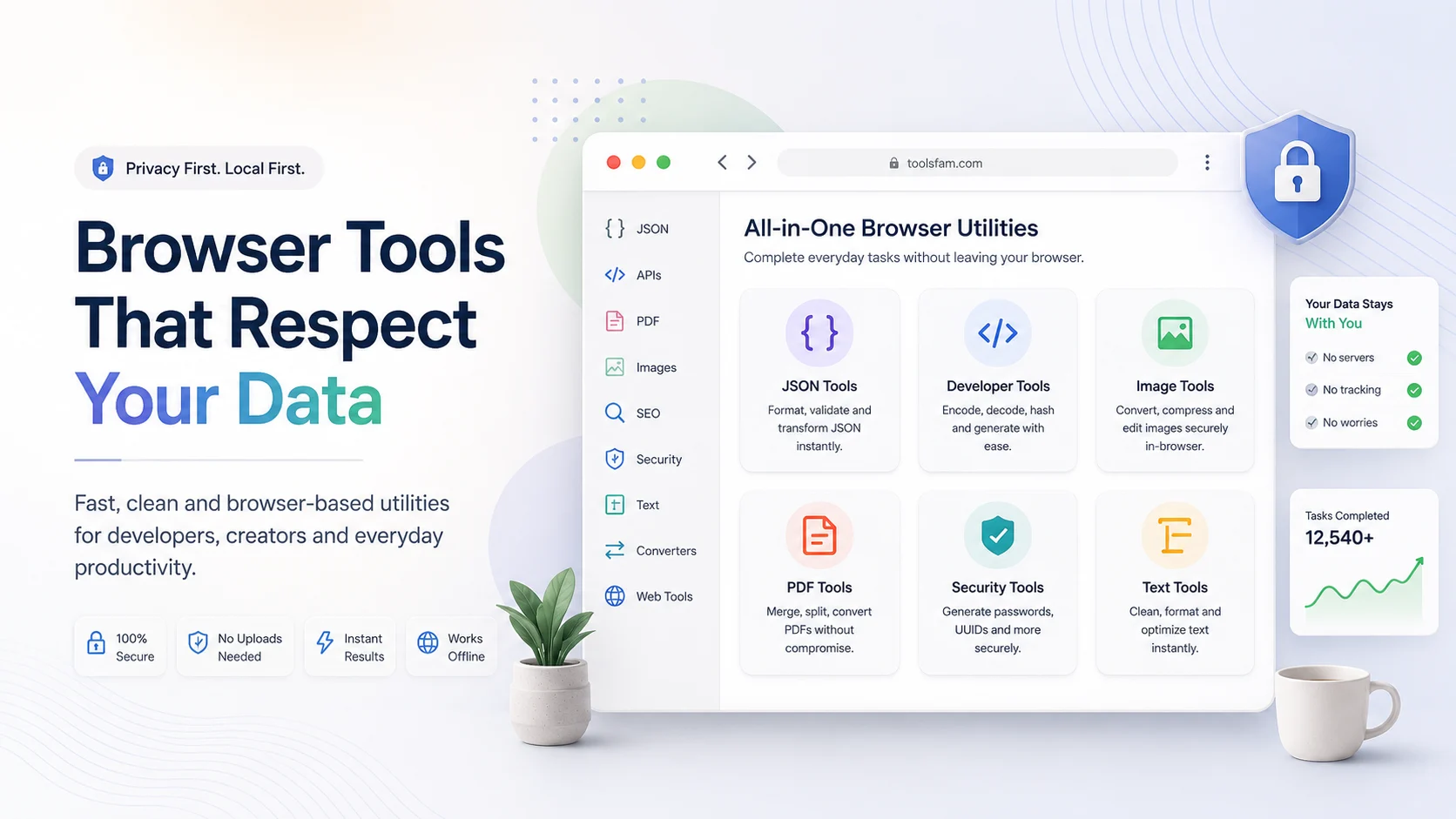
Browser tools are useful because they remove friction. You open a page, paste some data, convert a file, preview metadata, compress an image, or format JSON without installing software. But there is one problem many people ignore: not every online tool explains what happens to your data.
If you paste an API response, upload a PDF, decode a JWT, compress an image, or preview SEO metadata, you should know whether that data stays in your browser or is sent to a server. That is where local-first browser tools become important.
What does local-first mean?
A local-first browser tool tries to process your input directly inside your browser whenever possible. Instead of uploading everything to a remote server, the tool uses browser capabilities and client-side libraries to complete common tasks on your device.
This approach is useful for everyday workflows like:
- Formatting JSON
- Validating structured data
- Cleaning text
- Decoding non-sensitive test tokens
- Compressing or converting images
- Previewing SEO metadata
- Generating slugs, hashes, UUIDs, or sample data
- Working with simple files without unnecessary uploads
ToolsFam is built around this idea: practical browser tools should be fast, clear, and privacy-aware. Some tools can run locally. Some advanced file workflows may require server-side processing. The important thing is that users should understand the difference before pasting or uploading private data.
Why this matters
Most people use online tools quickly. They search for a formatter, converter, compressor, or preview tool, paste their input, copy the result, and move on. That is convenient, but it can be risky if the input contains private information.
Be careful with:
- API keys
- JWT tokens
- Customer CSV files
- Private API responses
- Invoices and contracts
- Bank statements
- Personal documents
- Internal business screenshots
- Unpublished marketing campaigns
Not all data is dangerous, but many daily work files contain hidden sensitive details. Even a simple JSON response may include emails, user IDs, access tokens, internal URLs, or business logic.
A safer browser workflow
Before using any online tool, follow this simple workflow:
- Check the data. Look for secrets, personal data, customer details, or private business information.
- Clean the input. Remove API keys, tokens, emails, addresses, and private IDs.
- Use sample data when possible. Fake examples are safer for testing.
- Prefer local-first tools. Use tools that run in the browser when the task does not require uploading.
- Understand server-side tools. Some PDF, image, or AI-style tools may require upload. Use them carefully.
- Clear the input after finishing. Do not leave sensitive data sitting in the tool.
Where ToolsFam fits
ToolsFam provides browser tools for developers, creators, marketers, students, small businesses, and everyday users. You can explore the full toolbox here:
The goal is not just to provide many tools. The goal is to make routine work easier with clearer workflows across JSON, APIs, PDFs, images, SEO, security, text, data conversion, and web assets.
Useful ToolsFam workflows
Developer workflow
Developers often need to format JSON, inspect API responses, encode URLs, decode Base64, generate UUIDs, test regex patterns, or inspect JWT payloads. These tasks are common, but they often involve sensitive data. Use fake or cleaned examples whenever possible.
Start from the main tools page: https://www.toolsfam.com/tools
PDF workflow
PDF tools are useful for compressing, merging, splitting, extracting text, or adding watermarks. But PDFs often contain private data. Before uploading a PDF anywhere, check whether it includes contracts, invoices, personal IDs, bank information, or customer details.
Image workflow
Image tools help with compression, resizing, format conversion, and web optimization. For public website assets, this is usually safe. For personal screenshots, identity documents, or private business graphics, be more careful.
SEO workflow
SEO tools help preview meta tags, Open Graph cards, Twitter/X cards, slugs, and UTM links before publishing. These are usually safer than private document tools, but unpublished campaign data can still be sensitive.
Public GitHub resources
ToolsFam also maintains public GitHub resources to support safer browser workflows:
- ToolsFam GitHub organization
- Awesome Local-First Tools
- ToolsFam Examples
- Browser Tool Privacy Checklist
The examples repository is useful when you want to test a tool without using real private data. The privacy checklist is useful before pasting anything sensitive into any browser tool.
Final checklist
- Use local-first tools when possible.
- Never paste real API keys into random tools.
- Be careful with JWTs, customer data, PDFs, and CSV exports.
- Use safe sample files for testing.
- Prefer tools that explain privacy boundaries clearly.
- Build repeatable workflows instead of pasting private data casually.
Local-first browser tools are not just a technical idea. They are a better habit. ToolsFam is built to make that habit easier.