What Not to Paste Into Online JSON, JWT, and API Tools
A practical safety guide for developers working with JSON formatters, JWT decoders, API playgrounds, Base64 tools, and online debugging utilities.
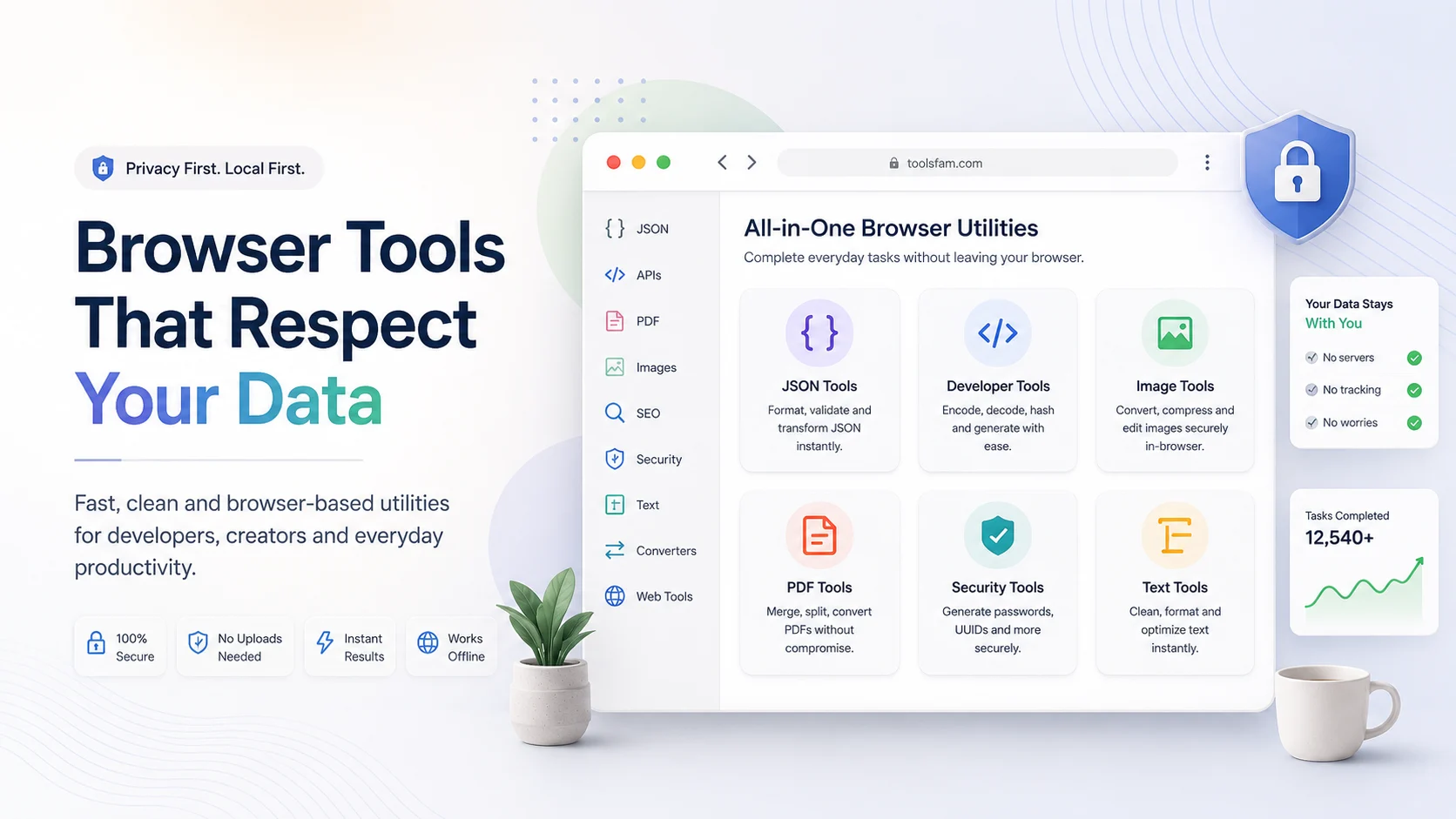
Developer tools save time. A JSON formatter can clean a messy API response. A JWT decoder can help inspect a token payload. An API playground can test a request quickly. A Base64 decoder can reveal encoded content. But speed can create bad habits.
The biggest mistake is simple: pasting real sensitive data into online tools without checking what the tool does with it.
The problem with casual copy-paste debugging
When something breaks, developers usually move fast. You copy a payload, paste it into a formatter, inspect the output, and fix the issue. That is normal. But API responses and tokens often contain sensitive information.
A typical API response may include:
- User emails
- Customer IDs
- Internal database IDs
- Access tokens
- Refresh tokens
- Private URLs
- Business logic
- Payment or billing fields
- Internal error messages
Even if the data looks harmless, it can still reveal more than expected.
Never paste these into random online tools
1. API keys
API keys should never be pasted into random tools. If a key is exposed, someone may be able to access your account, consume your quota, or read private data depending on the service permissions.
sk_live_example_key_should_not_be_pasted_anywhereUse fake keys in examples and rotate real keys immediately if they are exposed.
2. Production JWT tokens
JWTs can contain claims like user IDs, emails, roles, expiry times, and permissions. Decoding a JWT is not the same as verifying it, but the decoded payload can still reveal sensitive information.
Use a JWT decoder carefully. Prefer fake tokens or development tokens. Avoid pasting production tokens unless you fully trust the environment.
3. Customer data
Do not paste customer lists, CSV exports, support tickets, CRM records, or private user data into tools unless you know how the data is processed.
4. Private API responses
API responses often include internal fields. Before using a JSON formatter or viewer, remove secrets and replace real values with fake ones.
5. Webhook secrets and payloads
Webhook payloads can contain event IDs, account IDs, payment data, signatures, and private metadata. Clean them before sharing or testing.
Safer JSON workflow
When working with JSON, use this workflow:
- Copy the response into a temporary editor.
- Remove secrets, emails, tokens, and IDs.
- Replace real values with fake examples.
- Use a JSON formatter or validator.
- Fix the structure.
- Copy only the corrected pattern back into your work.
ToolsFam includes JSON and API utilities from the main tools page:
Browse ToolsFam developer tools
Useful workflows include JSON formatting, validation, comparison, conversion, API testing, Base64 encoding/decoding, URL encoding, hashing, UUID generation, and JWT decoding.
Use safe examples instead of real data
A better habit is to test tools with safe sample data. ToolsFam maintains example files for JSON, CSV, API, SEO, privacy, and browser workflows:
These examples help you test tools without exposing private data.
What to remove before pasting JSON
Before pasting JSON into any online tool, remove or replace:
access_tokenrefresh_tokenapi_keyauthorizationpasswordsecretemailphoneaddresscustomer_idpayment_method
Example: unsafe JSON
{
  "user": {
    "email": "real.customer@example.com",
    "role": "admin"
  },
  "access_token": "real_token_should_not_be_shared",
  "account_id": "acct_private_123"
}
Example: safer JSON
{
  "user": {
    "email": "user@example.com",
    "role": "member"
  },
  "access_token": "removed",
  "account_id": "demo_account_id"
}
The safer version keeps the structure but removes sensitive values.
Use a privacy checklist
Before pasting developer data into any browser tool, review this checklist:
Browser Tool Privacy Checklist
It covers API keys, JWTs, PDFs, CSV files, private documents, personal images, and internal data.
Final developer safety checklist
- Do not paste real API keys.
- Do not paste production JWTs casually.
- Clean API responses before formatting.
- Use fake sample data for testing.
- Remove emails, IDs, secrets, and tokens.
- Prefer local-first browser tools when possible.
- Check whether a tool requires upload before using private data.
The goal is not to stop using online tools. The goal is to use them intelligently. ToolsFam is built to make daily developer workflows faster while encouraging safer habits.